
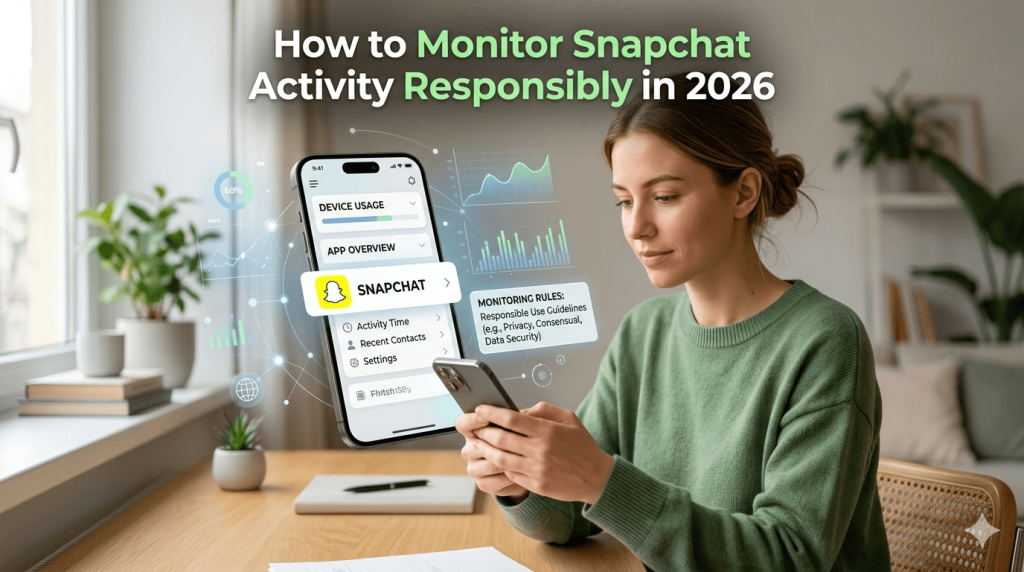
How to Monitor Snapchat Activity is a common concern among parents and families who want to ensure online safety.
What Is Snapchat?
Snapchat is a social media and messaging platform that allows users to share photos, videos, voice messages, and text conversations. Content shared through the app can disappear after being viewed, making it different from traditional messaging platforms.
Some popular Snapchat features include:
Snaps (photos and videos)
Stories
Chat messages
Voice and video calls
Snap Map location sharing
Filters and lenses
Group conversations
Snapchat is available on both Android and iPhone devices and is widely used by teenagers and adults.
How to Monitor Snapchat Activity Safely ?
After creating an account, users can add friends and exchange messages or media. Users can:
Send disappearing photos and videos.
Share Stories that remain visible for 24 hours.
Use Snap Map to share their location with friends.
Make voice and video calls.
Create group chats.
Privacy settings allow users to control who can contact them and who can view their content.
Snapchat remains one of the most popular social media platforms in the world.
Millions of users share photos, videos, and messages every day.
Because messages disappear automatically, many parents and families want to understand how Snapchat works.
This guide explains Snapchat features, privacy settings, and responsible ways to monitor activity while respecting privacy and following the law.
Can You Monitor Someone’s Snapchat for Free?
There is no official way to secretly access another person’s Snapchat messages without authorization. Snapchat protects user accounts with encryption and security measures.
However, there are several legitimate ways to monitor activity with consent or parental supervision:
Use Snapchat Family Center
Snapchat’s Family Center allows parents to supervise teen accounts and see:
Friends they communicate with.
Privacy settings.
Safety controls.
Family Center does not provide access to message contents but helps parents maintain awareness of online interactions.
Review Device Screen Time Reports
Android and iPhone devices provide built-in tools that show:
App usage time.
Notification frequency.
Daily activity patterns.
These features can help parents understand how often Snapchat is being used.
How to Track Phone Location
Enable Location Sharing with Permission
Snap Map allows users to share their location with trusted friends and family.
Users can:
Share live location.
Hide their location using Ghost Mode.
Choose specific friends who can see them.
Location sharing should always be enabled voluntarily.
How to View Snapchat Friends List
A user’s friends list is generally private. You can only see mutual friends or publicly visible information available through Snapchat profiles.
There is no legitimate method to view someone’s complete friends list without their consent.
How to Protect Your Snapchat Privacy
If you want to make your Snapchat account more secure, follow these steps:
Make Your Account Private
Open Snapchat.
Tap your profile icon.
Select Settings.
Under Privacy Controls, customize:
Who can contact you.
Who can view your Story.
Who can see your location.
Who can use your Cameos.
Enable Two-Factor Authentication
Two-factor authentication adds an extra layer of security and helps protect your account from unauthorized access.
Use Ghost Mode
Ghost Mode prevents others from viewing your location on Snap Map.
Manage Friend Requests Carefully
Only accept requests from people you know and trust.
Understanding Snapchat Stories
Stories are photos and videos that remain visible for 24 hours. Users can:
Share stories publicly.
Share with friends only.
Create custom stories.
Viewers can see stories only if they have permission based on the creator’s privacy settings.
Limitations of Third-Party Monitoring Apps
Many websites claim to provide free Snapchat spying tools, but users should be cautious because these apps may:
Violate privacy laws.
Compromise account security.
Contain malware or scams.
Request sensitive information.
Fail to deliver the promised features.
Snapchat actively works to prevent unauthorized access to accounts.
Tips for Parents
Parents concerned about online safety can:
Have open conversations about responsible social media use.
Use Family Center supervision tools.
Teach children about online privacy.
Monitor screen time and device settings.
Encourage reporting of suspicious contacts.
Learning how to monitor Snapchat activity can help parents encourage safe online habits.
Many families search for ways to understand how to monitor Snapchat activity using built-in privacy tools.
Understanding how to monitor Snapchat activity responsibly is important in 2026.
Conclusion
Snapchat is a fun and powerful communication platform that offers many privacy controls and safety features. While secretly accessing another person’s account is neither secure nor appropriate, parents and families can use legitimate supervision tools and privacy settings to encourage safe and responsible use.
learning how to monitor Snapchat activity responsibly is the best way to protect family members while respecting their privacy.